Ask your onX Hunt questions here!

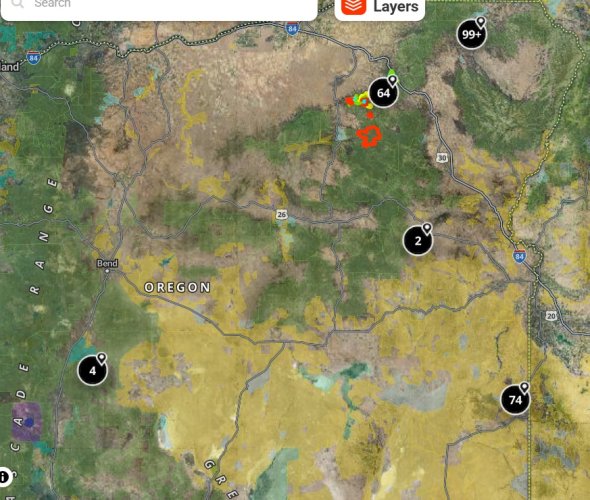
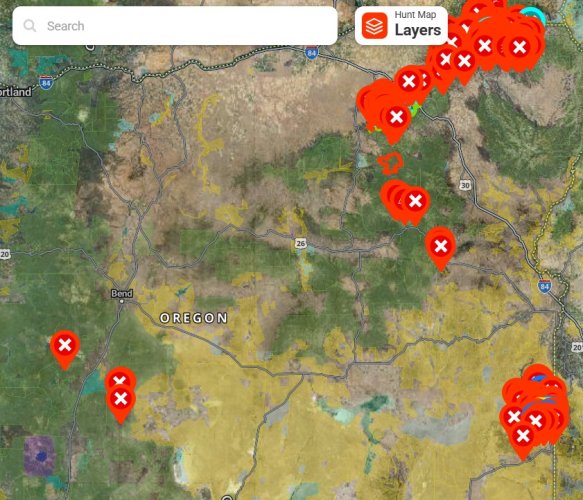
Ok, helpful OnX rep and users, how does this feature work?: Enable Clustering for Waypoints

On my PC, I turned this feature on but don't see any difference
 
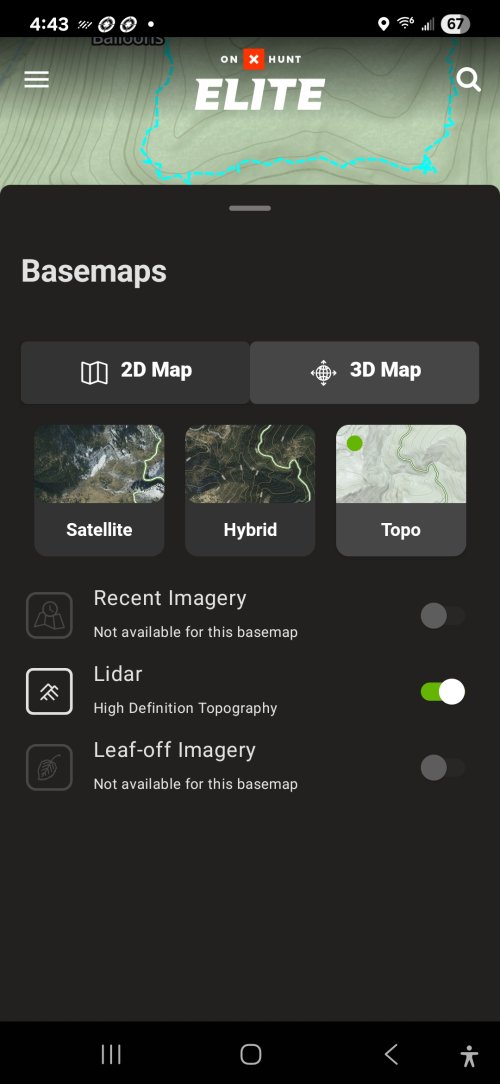
Is OnX looking into the option to download 3D maps for offline use? Also when will we be able to get the lidar option on the phone? Currently running OnX as my main mapping system but I am referring to CalTopo for the offline 3D, lidar, and shaded relief.

OnX you should look into the shaded relief layer as well. It is really helpful.
 
Is OnX looking into the option to download 3D maps for offline use? Also when will we be able to get the lidar option on the phone? Currently running OnX as my main mapping system but I am referring to CalTopo for the offline 3D, lidar, and shaded relief.

OnX you should look into the shaded relief layer as well. It is really helpful.
Work is currently being done on both 3D maps for offline use and getting the lidar data onto the Mobile App. Unfortunately, no ETA on either of those features.

We will pass your suggestion for the shaded relief layer along to our mapping team.
 
Work is currently being done on both 3D maps for offline use and getting the lidar data onto the Mobile App. Unfortunately, no ETA on either of those features.

We will pass your suggestion for the shaded relief layer along to our mapping team.

still waiting for desktop offline maps

It would be a lot easier to download onx offline maps for my laptop vs using a developer hack so I can download google earth imagery for offline use when I'm in hunting camp. It would almost make onx a complete e-scouting solution; missing only the ability to import geo referenced pdf/kml/kmz/geotiff overlays.
 
Is OnX looking into the option to download 3D maps for offline use? Also when will we be able to get the lidar option on the phone? Currently running OnX as my main mapping system but I am referring to CalTopo for the offline 3D, lidar, and shaded relief.

OnX you should look into the shaded relief layer as well. It is really helpful.
Lidar is on the phones
 

Attachments

  • Screenshot_20250813_164313_onX Hunt.jpg
    Screenshot_20250813_164313_onX Hunt.jpg
    501.6 KB · Views: 9
1) Why do I have to click 'go to waypoint', two times before it shows the distance to waypoint nearly every time I do a go to. Frustrating waste of time/effort. Is there a setting IO need to adjust? Sometime on first try it flashes distance faster than I ca read it then disappears, so I choose go to waypoint a 2nd time and the distance shows up and stays on screen.

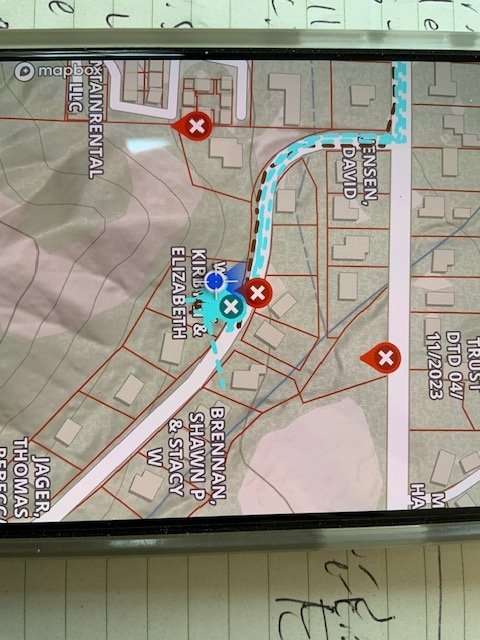
2) why is my direction of ravel off by 15-30 degrees often. It was almostg aleways off like that on a recent hunt. This is the blue 'fam shape you see when click the icon to relocate to where you are and the screen rotates as you rotate the phone...

IMG_2589.JPG
 
Last edited:
1) Why do I have to click 'go to waypoint', two times before it shows the distance to waypoint nearly every time I do a go to. Frustrating waste of time/effort. Is there a setting IO need to adjust? Sometime on first try it flashes distance faster than I ca read it then disappears, so I choose go to waypoint a 2nd time and the distance shows up and stays on screen.

2) why is my direction of ravel off by 15-30 degrees often. It was almostg aleways off like that on a recent hunt. This is the blue 'fam shape you see when click the icon to relocate to where you are and the screen rotates as you rotate the phone...

View attachment 381407
I'm not able to replicate the issue you are seeing with Go to Waypoint. Can you send us an email at [email protected] so that we can look at your device and see what might be causing that issue?

As far as the direction cone goes, we take the compass reading from the internal compass on your GPS. If the heading is off, it means that the compass on your device is off as well. Typically, you can pull up the compass app on your phone and compare. The compass on your phone should mirror what you see within your onX App. For instances when the compass is off, we recommend calibrating your compass (This can typically be done within your phone's settings.)

 
I'm not able to replicate the issue you are seeing with Go to Waypoint. Can you send us an email at [email protected] so that we can look at your device and see what might be causing that issue?

As far as the direction cone goes, we take the compass reading from the internal compass on your GPS. If the heading is off, it means that the compass on your device is off as well. Typically, you can pull up the compass app on your phone and compare. The compass on your phone should mirror what you see within your onX App. For instances when the compass is off, we recommend calibrating your compass (This can typically be done within your phone's settings.)

Thx for response. I sent the requested email and referred to this thread and provided my phone model info. iphone 15 pro max

Just checked and phone compass app does match the cone direction here at the house when carefully pressed phone against window (so not shifting angle).

Dumb question any reason to NOT set phone compass to use true north instead of magnetic north when orienting. Pitfalls? Just seems when not using a handheld compass true north lets you plainly get from point A to point B\. And when set to true north my compass app more exactly aligns with the little compass on iphone screen when direction cone is active. Just seem a better alternative (true north) when want to do A go to then close the onx map and use the compass app to keep hiking consistent direction (and save some battery)
 
Last edited:
Anyone have access to notice a significant difference between ISO or Android platform users?
 
Anyone have access to notice a significant difference between ISO or Android platform users?


Onx works much better on an iphone from what I have seen over the last half dozen years. Better memory management for large amounts of user data (waypoints/tracks) and an iphone won't stop tracking when onx is in the background. Every android/onx phone I have hunted around has stopped tracking when onx is in the background, then it resumes with a straight line to the current location when the app is back in the foreground. Hunting partner and shed hunter finally gave up and went back to iphone because of the issues. Another friend last year cussed the tracking every single day. My onX has been very good since day one on the iphone. The one caveat, I always put the phone in airplane mode before opening the app when out hunting. It's possible the newer "always use offline maps" feature will force the app to stop searching for service but I don't have those particulars.
 
Last edited:
Onx works much better on an iphone from what I have seen over the last half dozen years. Better memory management for large amounts of user data (waypoints/tracks) and an iphone won't stop tracking when onx is in the background. Every android/onx phone I have hunted around has stopped tracking when onx is in the background, then it resumes with a straight line to the current location when the app is back in the foreground. Hunting partner and shed hunter finally gave up and went back to iphone because of the issues. Another friend last year cussed the tracking every single day. My onX has been flawless since day one on the iphone.
Slightly more Compelling than i was anticipating having experienced the lag in tracking so this is the feedback I was looking for, some of which could potentially be addressed in the sequential updates i guess? But thanks!
 

Latest posts

Forum statistics

Threads
117,702
Messages
2,165,529
Members
38,325
Latest member
Armtdawg
Back
Top